> ## Documentation Index
> Fetch the complete documentation index at: https://drdroid.mintlify.site/llms.txt
> Use this file to discover all available pages before exploring further.
# Overview
> Assess actionability, frequency & noise in your Slack alerts
Doctor Droid's Alert Insights Bot for Slack helps you identify noise in your alert channels and assist you in making them actionable. Here's a 1 minute [video](https://www.youtube.com/watch?v=h%5FWsG8OkjZE\&feature=youtu.be) demo of the platform.
### Alert Quality Score
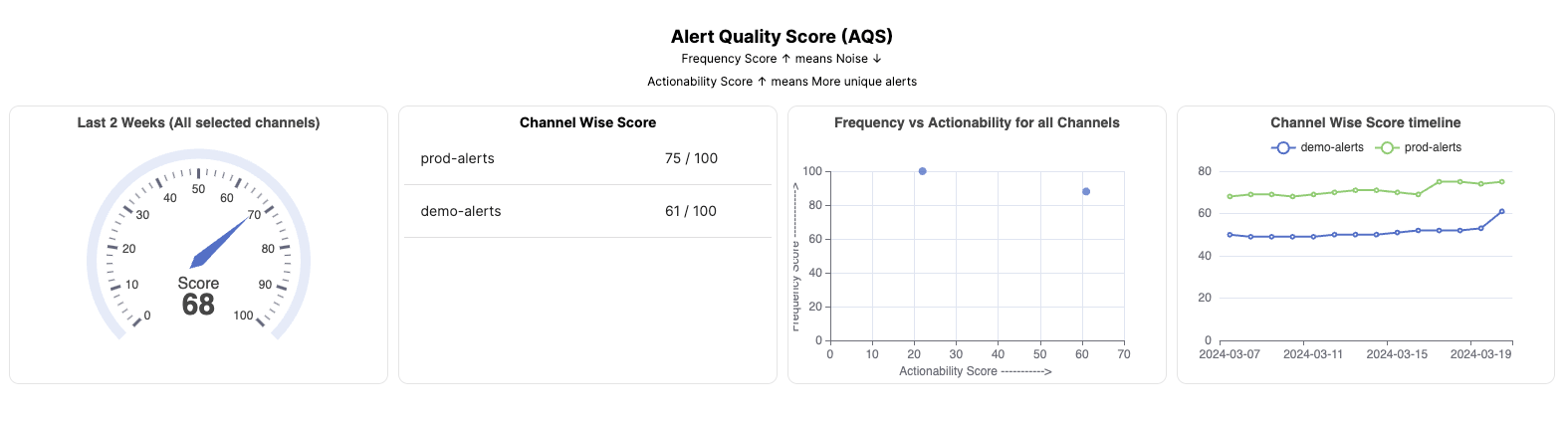
As soon as you install the bot in your channels, you will be able to track the Alert Quality Score for your channels and overall workspace.
 ### Week over week alert pattern analysis:
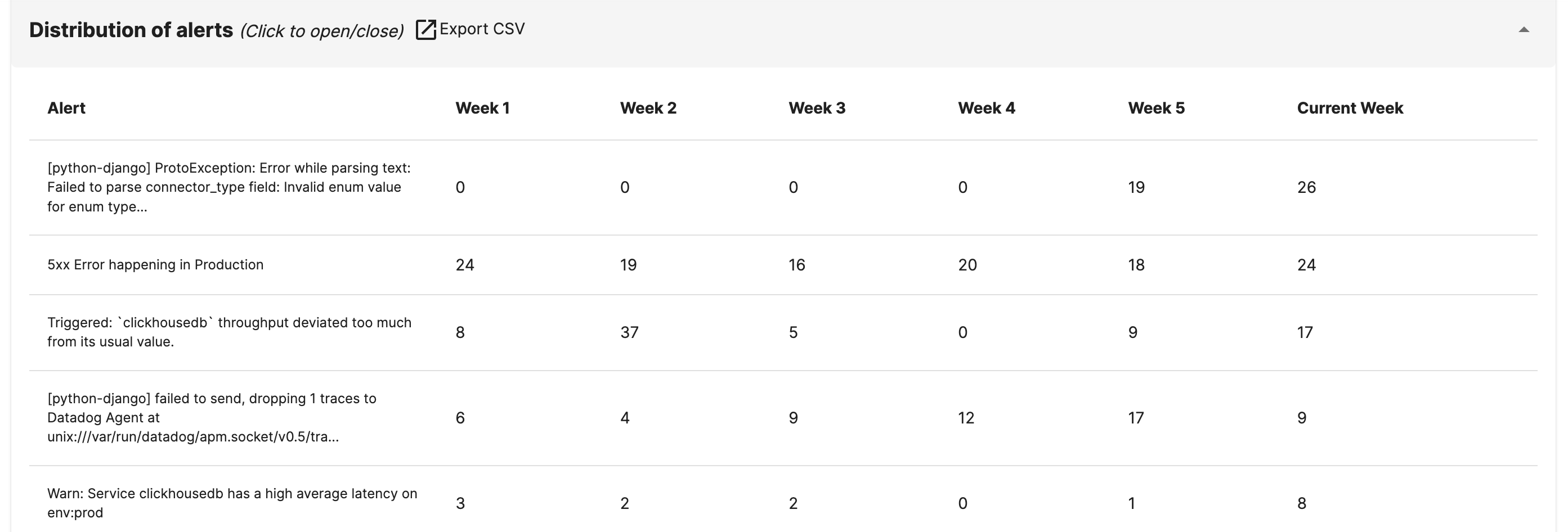
You will be able to get a summary of the most noisy alerts, with it's pattern over the last few weeks.
### Week over week alert pattern analysis:
You will be able to get a summary of the most noisy alerts, with it's pattern over the last few weeks.
 ### Noisy Alerts
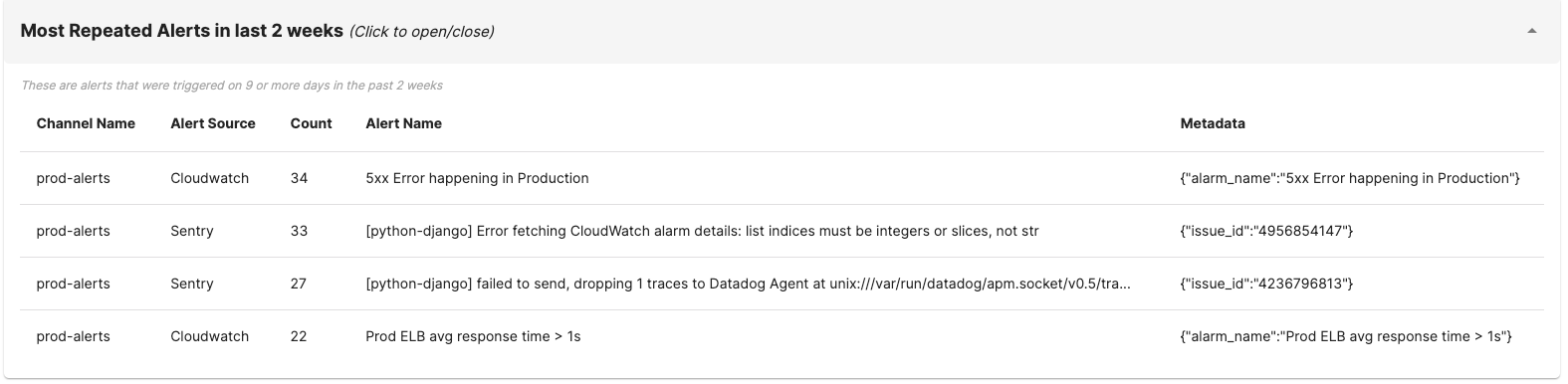
Instantly, you will be able to start tracking the alerts that are causing the most noise in different channels.
### Noisy Alerts
Instantly, you will be able to start tracking the alerts that are causing the most noise in different channels.
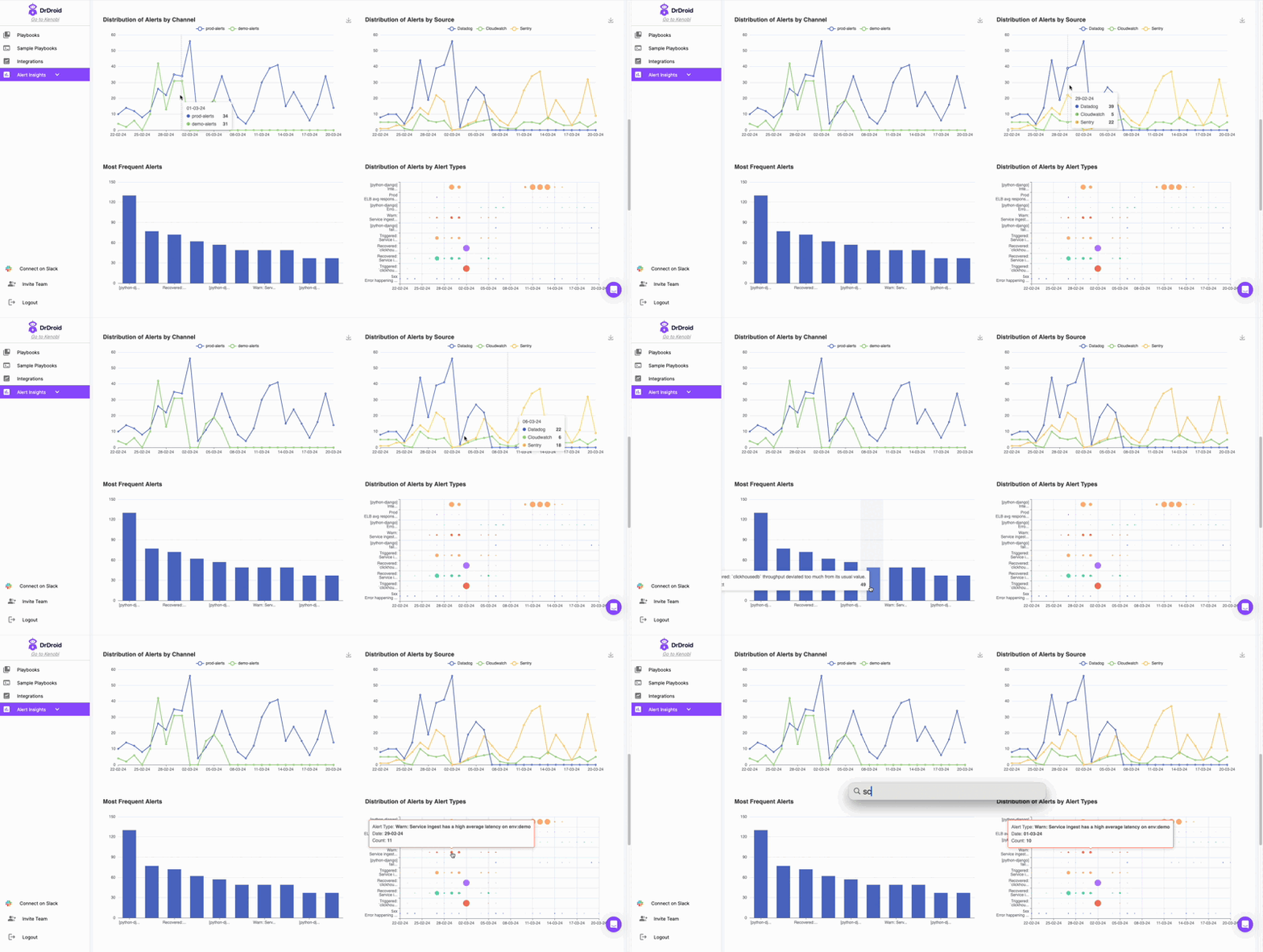
 ### Aggregate Insights
 #### Additional insights:
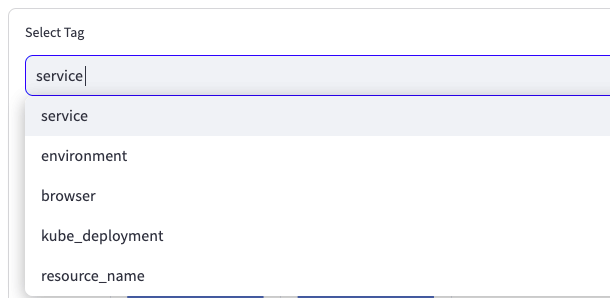
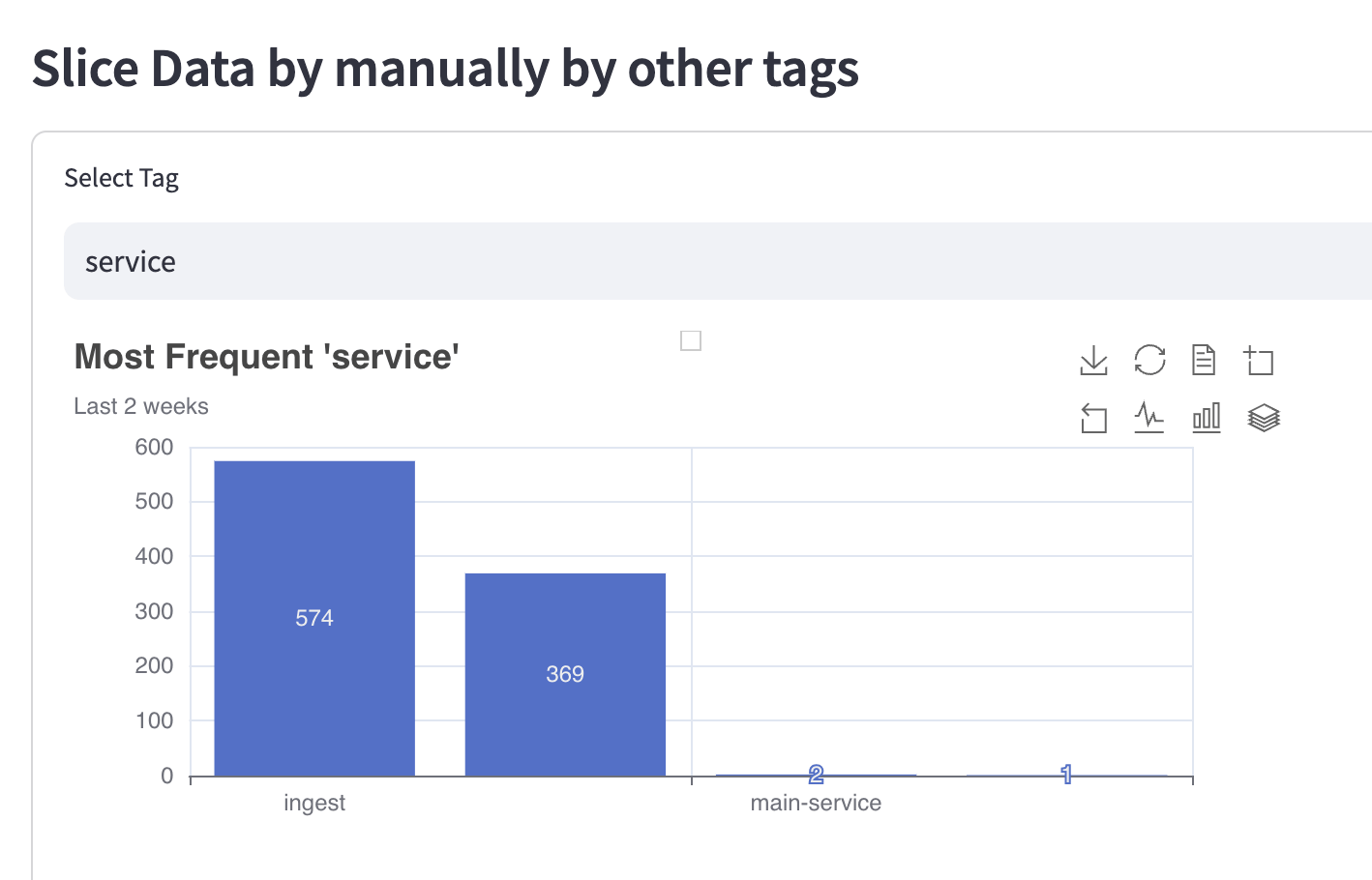 Choose a tag to see the histogram of its value in those alerts
Apart from the above mentioned tags, our engine also analyses your alerts to extract any more possible tags. For example, [here's a list ](/docs/tools-alert-coverage)of tags that can be extracted from different tools.
Choose a tag to see the histogram of its value in those alerts
Apart from the above mentioned tags, our engine also analyses your alerts to extract any more possible tags. For example, [here's a list ](/docs/tools-alert-coverage)of tags that can be extracted from different tools.